
Phone Settings
Follow step-by-step instructions to set up Epic mobile data and 5G on your smartphone.
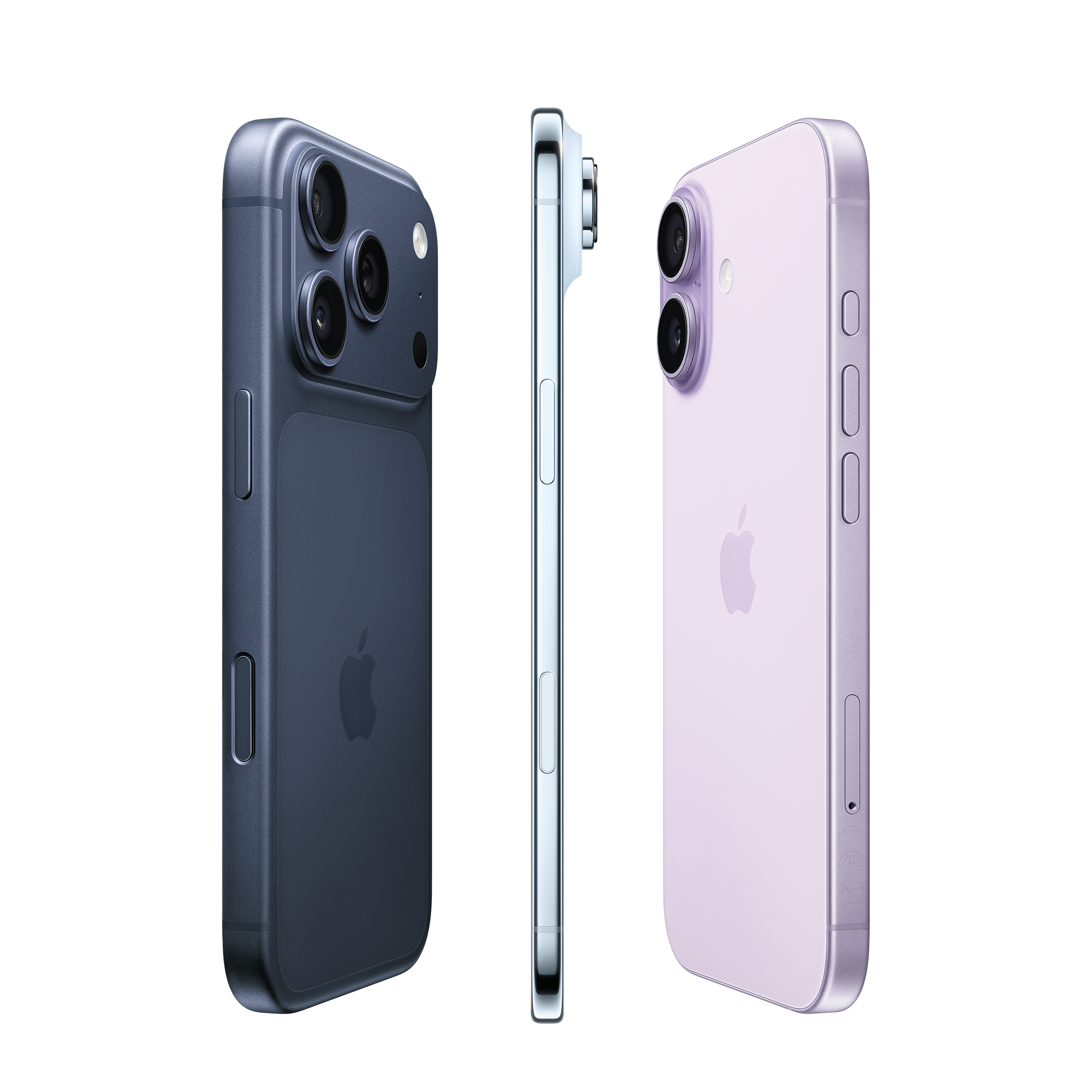
How to set up mobile data
- Find Settings
- Go to Mobile Data Network
- Turn on ‘Mobile Data’
How to set up 5G (iOS 26)
- Find Settings
- Go to Mobile Service
- Find Mobile Data Options and click Voice & Data
- Enable 5G Auto

How to set up mobile data
- Find and select Settings icon on your device
- Go to Connections
- Find Mobile Networks
- Click on Access Point Names and click on Add/+ icon
- Add the following
APN Type: Default
APN Name: internet
APN – internet
Username: Leave Blank
Password: Leave Blank
Authentication Type: PAP
How to set up 5G on your Android device
Steps may vary depending on your device model and software.

Samsung
- Find Settings on your device
- Go to Connections
- Find Mobile Networks
- Select the Network mode of the SIM Card
- Enable 5G option

Xiaomi
- Find Settings on your device
- Go to SIM Cards &Mobile Networks
- Find Preferred Network Type
- Enable 5G option

OnePlus
- Find Settings on your device
- Go to Connections
- Find Mobile Networks
- Select the Network mode of the SIM Card
- Enable 5G option