
Epic Kids Watch
Keep them safe & connected anytime, anywhere.

Contact Control
Approve and manage contacts which your child can contact.

GPS Tracking
Always know where your child is in real time with safe zones, right from your phone.

Video Calls
Stay connected easily with two-way communication, voice or video.

Water Resistant
Built tough for kids’ adventures (IP65).

Smart Health
Step counter, heart rate monitor, and activity alerts.
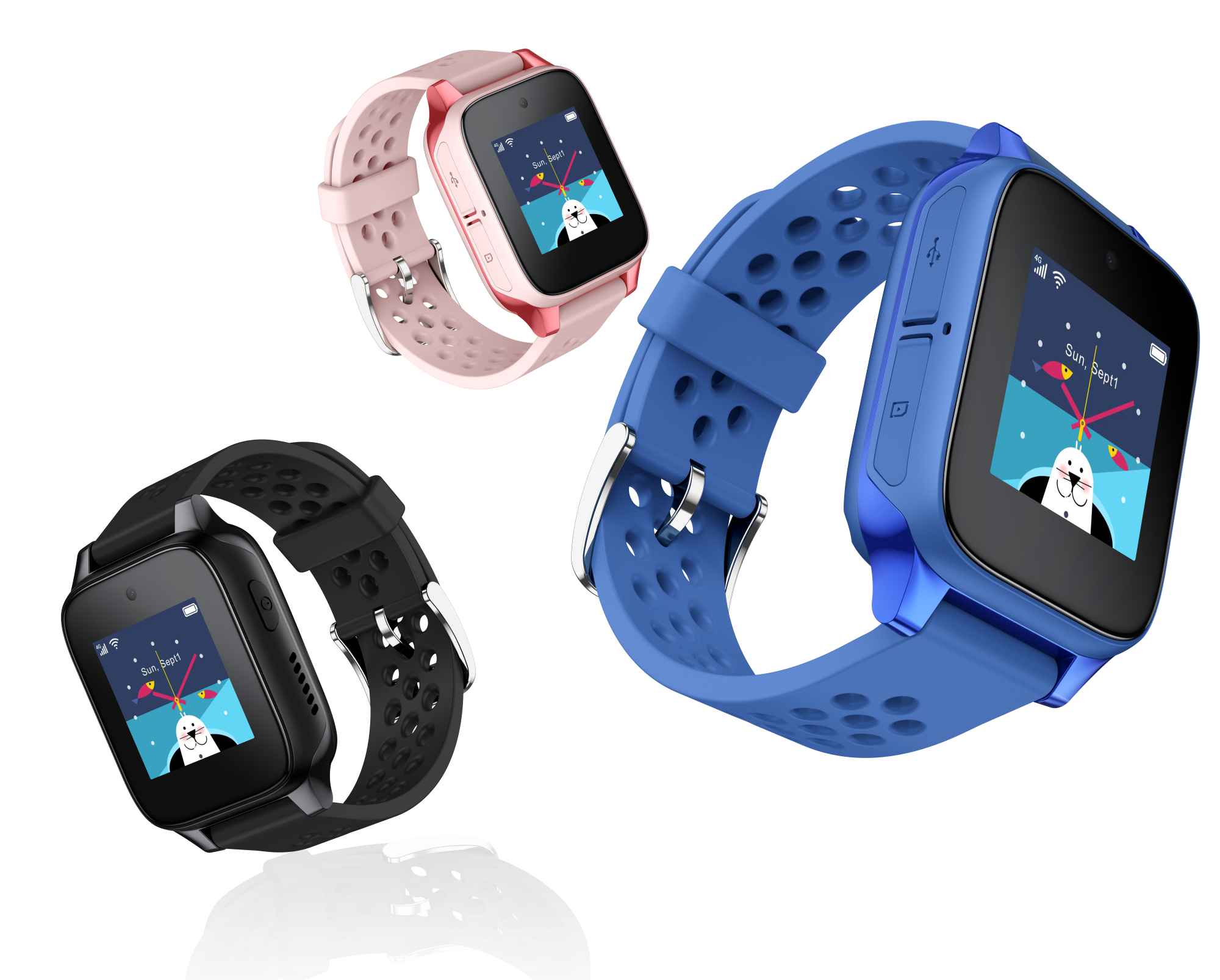
Kids Watch
Get the watch for just €3.99/month with Device Financing
Kids WATCH Plan
€6.99/mo.
FREE
for 3 months*
€1.99/mo. thereafter**
2GB Data
4G Speed – in Malta, RLAH Zone & UK
Unlimited Minutes & SMS
to all Epic mobile and fixed numbers, whilst in Malta.
+ 100 minutes & SMS
to other numbers whilst in Malta and to all numbers whilst in RLAH Zone & UK, excluding calls between Ukraine, Moldova and the UK.
Monthly Plan also available
* Offer available when joining Epic Kids Watch Plan with a 2-year agreement.
** Offer exclusively reserved to customers on an Epic Mobile Pay Monthly plan and/or Plug & Play Plan and adding the Epic Kids Watch Plan in the same account. When taken without an Epic Mobile Pay Monthly plan or Plug & Play Plan, Epic Kids watch is at €6.99, or €4.99 including AutoPay discount.
Get started
Visit the nearest Epic Store
Kids Watch Form
"*" indicates required fields
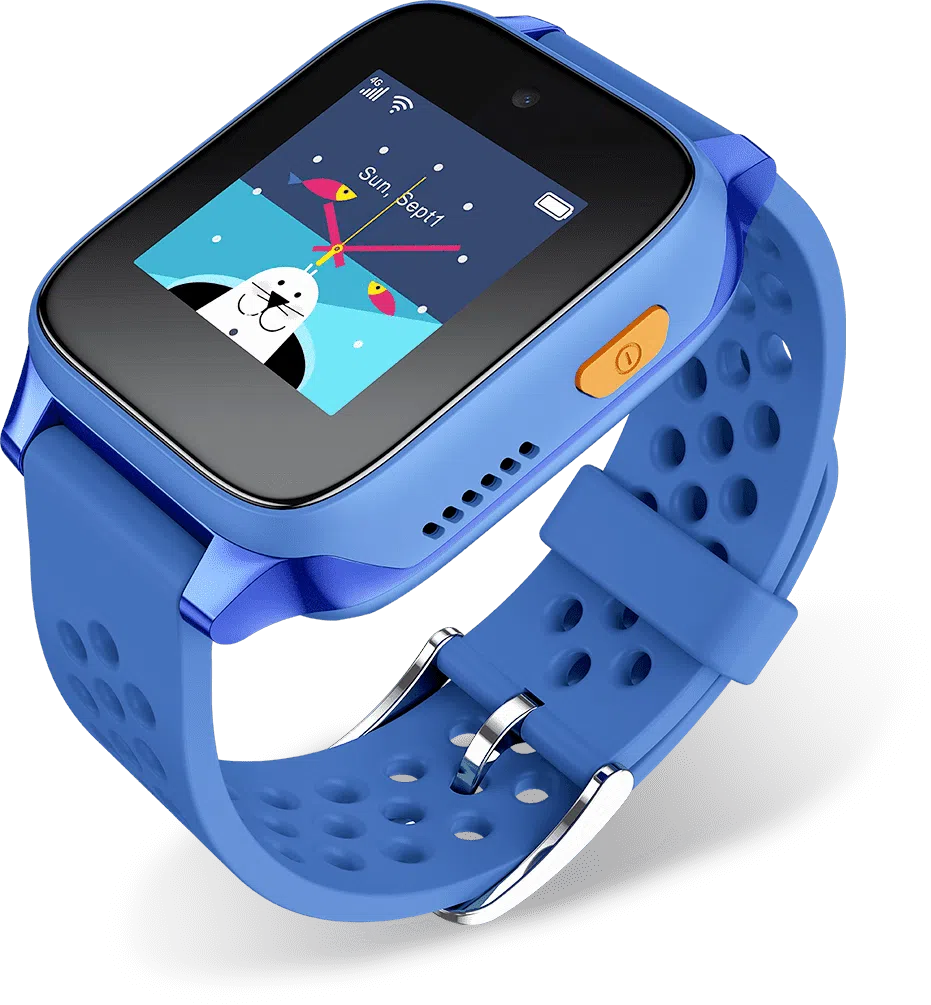
Emergency Button
The watch has an SOS emergency button that, when held for 3 seconds, automatically sends the child’s live location to parents and starts calling trusted contacts in order. If no one answers, it dials the preset emergency number, ensuring the child can get help quickly even if they can’t use the watch manually.
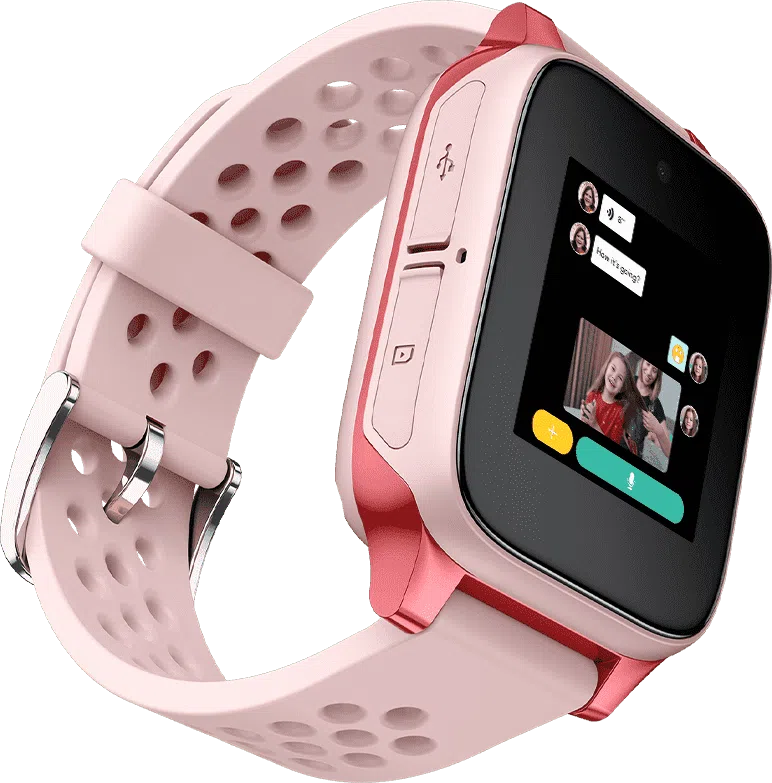
Instant messages
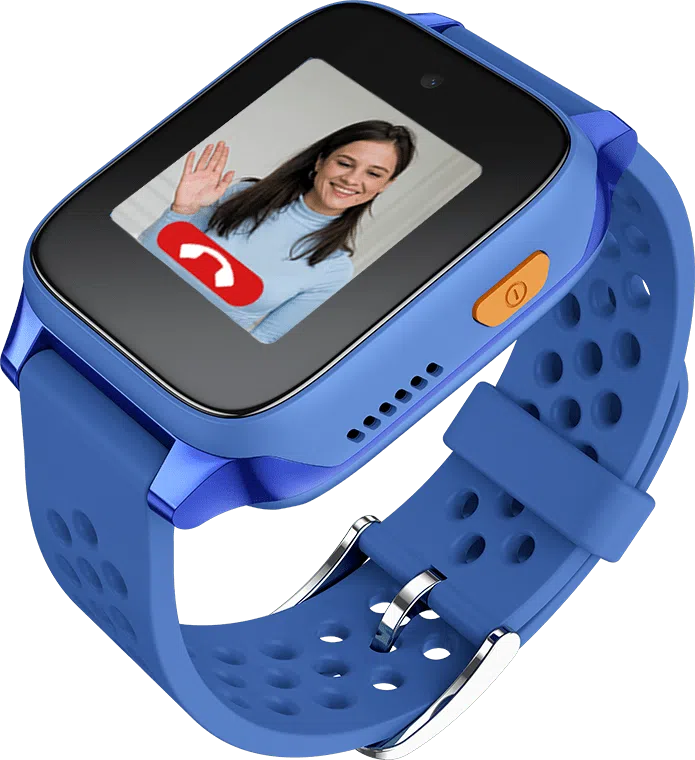
Non-latent HD video calls
FAQs
How do I activate the Kids Watch and start using the plan?
- Insert the provided SIM in the Kids Watch.
- Download the ‘TCL Connect’ App onto a compatible mobile phone, tablet, or laptop. This is not necessary however, through the app you will be able to make full use of the watch such as view your child’s location, manage settings etc.
- Pair the App with the SIM inserted in the Kids Watch.
- Follow the on-screen steps or the instructions provided in the device package.
- If you need help, visit our website or any Epic store for assistance.
Is the App developed by Epic?
No. The App is developed and operated by a third party. Epic does not own or control the App and is not responsible for any personal data collected or used by it.
Before downloading, please review the App’s privacy policy and terms of use carefully.
Who is responsible for the data collected through the App?
All data collected through the third-party App is managed by the App provider. Epic has no access to or responsibility for that data.
You are responsible for ensuring you comply with all applicable data protection and privacy laws when using the App and the Device.
How can I keep my child’s data and privacy safe?
We recommend the following:
Use strong passwords or security features on any device that has the App installed.
Regularly update the App and your device’s software.
Ensure the Device’s tracking features are protected from unauthorised access.
If you stop using the Device or transfer ownership, delete all personal data from both the Device and the App.
What happens if I lose the Kids Watch or stop using it?
If the Device is lost or no longer in your possession, it is your responsibility to delete all personal information from the App and the Device to protect your privacy and that of your child.
Can I purchase a different Watch instead of the TCL?
Yes. You may choose any watch you prefer; however, it is important to ensure that the selected watch comes with a SIM card insert.
How can I know when my kids used 80% and 100% of their allowance?
To receive notifications when yourchildren’s allowance usage reaches 80% or 100%, you must have provided and verified your email address. Once these thresholds are met, you will automatically receive an email notification.
What happens when the data allowance is reached?
When data allowance is reached, you will not be charged for out of bundle however, the speed will be throttled.
Is there voice mail feature included in the Kids Watch tariff?
Voicemail is not included by default in the Kids Watch tariff. If you would like to enable this feature, you will need to opt in by either visiting one of our stores or calling 247, where one of our agents will assist you.
Will Traveller apply when I travel outside RLAH Zone & UK?
Yes, Traveller will apply by default. For more information on Traveller click here.
If country does not form part of Traveller countries, the country rates will apply.
Can I benefit from the Converged discount when subscribing to the Kids Watch Plan?
No, the Home Internet + Mobile discount is not available with the Kids Watch Plan.